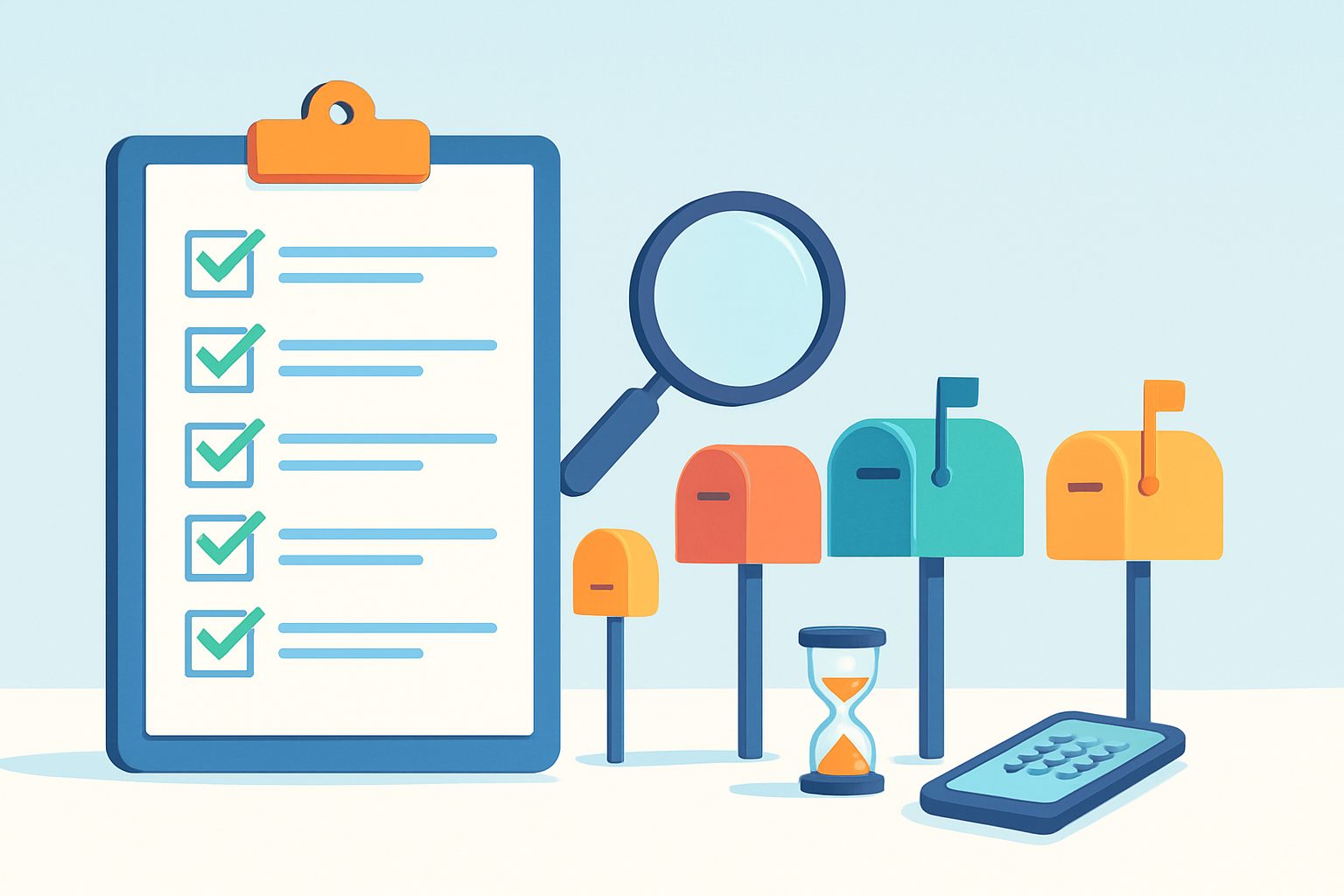
Temp Mail Forward: What Is Possible and What Isn't
Published on
Nov 08, 2026
Category:
Guides
2 views
Searching for a temp mail forward option usually means one thing: you want a throwaway address that quietly passes every message on to a mailbox you already read. Temp Mail Plus does not work that way. It is a receive-only inbox, so nothing is forwarded, and this guide explains why that is not a loss and what to do instead.
What people really mean when they search for temp mail forwarding
Temp mail forwarding means a temporary address automatically relays each incoming message to a second, permanent mailbox such as Gmail or Outlook. People want it so they never have to open another inbox page, and so they can keep a message after the temporary address disappears.
The wish makes sense. A disposable address is great for keeping a newsletter or a download form away from your main inbox, but it creates a second place to check. Forwarding looks like the bridge between the two worlds.
Related phrases people type include forward temporary email to Gmail, disposable email forwarding and email forwarding temporary address. They all describe the same hope: protection from spam without the extra effort of watching a separate page.
Three different things share the same name
The word "forwarding" covers very different setups, and mixing them up causes most of the confusion.
- Relay services: a hosted address that passes every message to your real mailbox, so the real address stays hidden from the sender.
- Mailbox forwarding rules: a setting inside your own Gmail, Outlook or Yahoo account that copies selected messages to another address.
- Manual forwarding: you open a message yourself and send it on, which needs the ability to send mail.
A receive-only inbox page offers none of these three, and that is a deliberate design choice rather than a missing button.
The honest answer for Temp Mail Plus
No. Temp Mail Plus cannot forward emails, and it cannot send them either. It receives messages for the address on your screen, shows them in the inbox on the same page, and deletes the address and its messages automatically after at most 5 days. Nothing leaves the inbox on its own.
When you open the page, an address is ready at once, with no registration. Incoming mail appears in real time, and the Refresh button checks again if something seems slow. The tools around the inbox are copy address, Refresh, Delete, QR Code, History and Change.
That list is complete. There is no forward button, no relay setting and no "send to my Gmail" toggle, so if you are looking for one, this is the place to stop searching and use the alternatives further down.
| What you hoped for | What Temp Mail Plus does | What to do instead |
|---|
| Automatic copy of every message to Gmail | Not available; messages stay in the inbox until deleted | Copy the code or link you need and use it right away |
| Forward one message by hand | Not available; the inbox is receive-only | Select the text you need and paste it into a note |
| Keep a message for months | Deleted after at most 5 days, cannot be restored | Use a permanent address for anything you must keep |
| Read mail on another device | Possible through the QR Code button | Scan the code with your phone camera |
| Come back to a recent address | History keeps recent addresses for 2 days | Open History before it expires |
Info: The 5-day limit is a maximum, not a promise of how long a particular message will stay. Treat every message as something you read now, not something you will find later.
Why a forwarded disposable inbox tends to defeat its own purpose
Forwarding a disposable inbox to your main mailbox recreates the problem the disposable address was meant to solve. Everything the sender wanted to push at you, including tracking pixels, promotions and repeated mailings, lands in your real inbox anyway, only with an extra hop in the middle.
The reason people use a temporary address is separation. A sign-up form for a one-off download should never have a path to the mailbox you use for banking, work and family. Once a forwarding rule is in place, that path exists again, and the sender simply keeps writing until you notice.
Your real inbox fills up with the exact mail you wanted to avoid
Marketing mail does not stop after the first message. A forwarding rule delivers the welcome email, the reminder, the weekly promotion and whatever list the address is later sold onto. You would then have to build filters in your main mailbox to tame it, which is more work than ignoring a temporary page.
The temporary address stops being temporary in practice
If every message is copied elsewhere, the address can quietly become a long-term identity. Services start sending password resets and billing notices to it, and the day it disappears you cannot get back in. This is the single most common way a convenience turns into a lockout.
Warning: Never attach a temporary address to an account you need to keep, such as banking, government, health, work or the recovery of an important account. If you cannot afford to lose access, use a permanent address that you control.
Technical limits that make forwarding unreliable even where it exists
Forwarding is less simple than it looks. A relayed message has to pass spam checks twice, and the second mailbox may treat it with suspicion because the sender did not write to it directly. Delays, rewritten headers and messages in the junk folder are all common side effects.
| Problem | Why it happens | What it means for you |
|---|
| Message lands in spam | The receiving mailbox sees a relay it does not recognise | You may miss a code unless you check junk |
| Delay of minutes | Two systems must each accept and pass the message on | One-time codes can expire before you see them |
| Altered sender details | Relays often rewrite headers to stay deliverable | Replying may go to the relay, not the sender |
| Links stop working | Single-use or time-limited links are consumed or expire | A forwarded verification link may be already dead |
| Attachments dropped | Size limits or security filters strip some types | Files you need may not arrive |
These points are general behaviour of email systems, not a statement about any specific provider. They explain why the most dependable way to handle a one-time code is the shortest path: read it on the page where it arrived and use it immediately.
Time-limited codes and links
Verification codes often live for only a few minutes, and many links work once. Each extra step between the sender and your eyes eats into that window. A code you read in the open inbox page costs you nothing; a code that travels through a relay might arrive after it has died.
Getting a code or link out of the inbox without forwarding
The fastest and most reliable method is also the simplest: keep the inbox page open in one tab, trigger the email from the other tab, copy the code or link when it appears and paste it straight into the sign-up form. No second mailbox is involved at any point.
- Open the Temp Mail Plus temporary email inbox; an address is ready immediately.
- Use the copy address button and paste the address into the sign-up form.
- Submit the form, then watch the inbox on the same page. New mail shows up in real time.
- If nothing appears after a short wait, press Refresh once.
- Open the message, copy the code or click the verification link, and complete the sign-up.
| Step | Typical timing | If it goes wrong |
|---|
| Copy and paste the address | A few seconds | Check for a stray space before or after the address |
| Message arrives | Often within a minute, sometimes longer, depending on the sender | Press Refresh; wait a little before asking for a second email |
| Use the code | Right away | If it expired, request a new one and use the latest message only |
| Finish the sign-up | Within the code's validity | Keep the tab open until the site confirms success |
Tip: Keep the inbox tab open until the sign-up is fully done. Closing it loses nothing right away, but you would have to find the address again in History, and a hurried search is how people miss a code.
Do not request the code many times
Pressing "resend" repeatedly makes several messages arrive in a row, and the older codes may stop working the moment a newer one is issued. Wait, refresh, and use the most recent message.
Moving the inbox to your phone with the QR Code
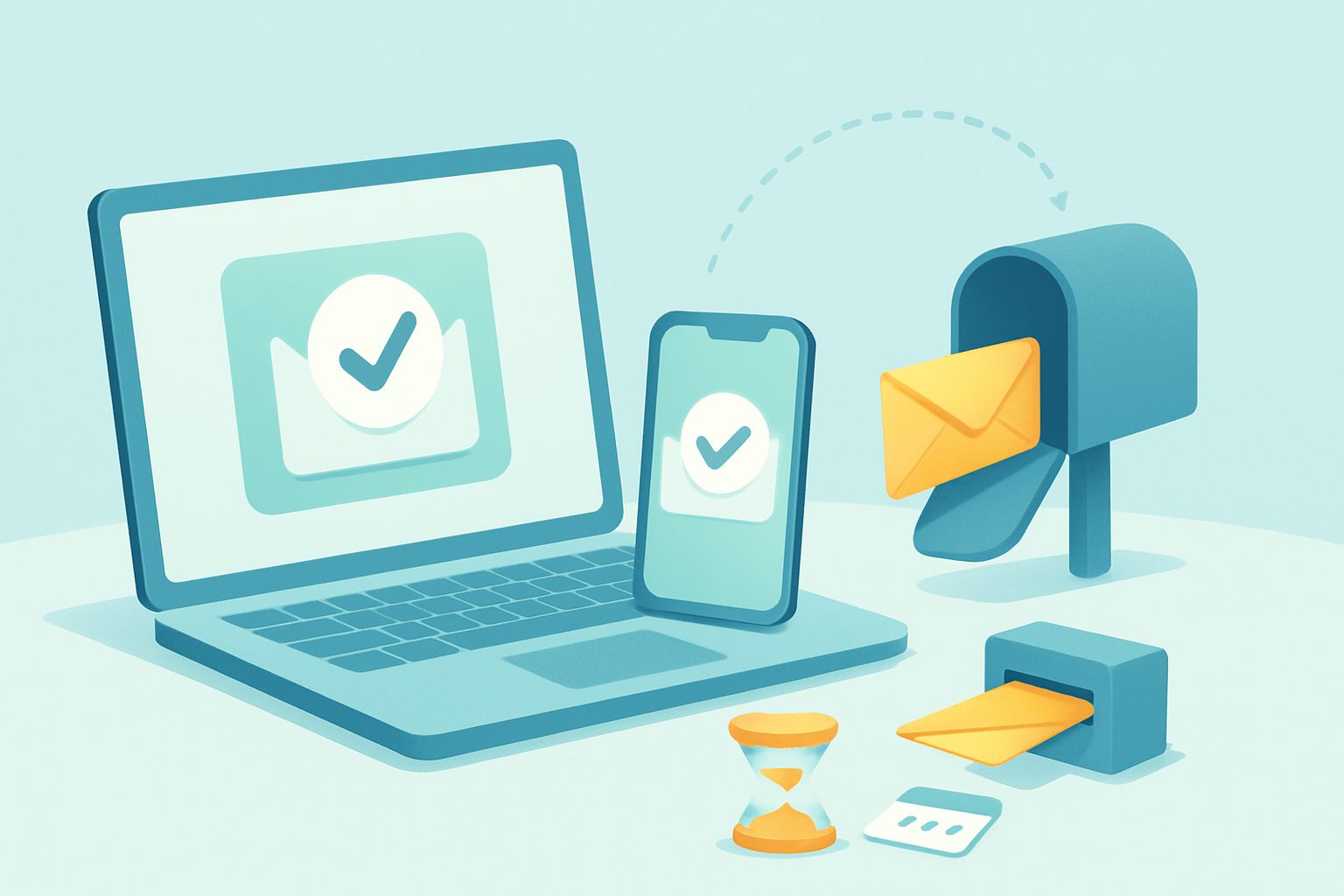
If you started on a computer but want to read the message on your phone, the QR Code button opens the same address on the phone. Scan the code with the camera and the identical inbox appears there, with no forwarding, no login and no second mailbox.
This is useful when a sign-up asks you to confirm from a mobile app, or when the code has to be typed into a phone screen. It is also the nearest thing the inbox has to a "send this somewhere else" function, and it only works for opening the live inbox, not for storing a message.
| Situation | Better approach |
|---|
| Form on a laptop, code needed on a phone app | Scan the QR Code and read the message on the phone |
| Sign-up on a phone, inbox open on a computer | Read the code on the computer and type it in |
| You need the text later | Copy the relevant lines into a note while it is still available |
Info: Anyone who knows an address can open its inbox, which is exactly how the QR Code works. Do not show or share the code in public, and do not photograph a screen that displays a private message.
What History and the optional account actually do
History lists your recent addresses and keeps them for 2 days, so you can reopen one that you closed by accident. An optional account, which asks for a name, surname, email and password, adds extras such as favorites. Neither feature forwards anything or extends the 5-day limit.
People often hope that creating an account turns the service into a permanent mailbox. It does not. The account is a convenience layer for managing addresses, not a way to keep messages indefinitely, and registration remains entirely optional.
Using History sensibly
History is a safety net for the first couple of days. If you closed the tab before the code appeared, open History, pick the address you used and look again. After 2 days that list entry is gone, so treat it as short-term help.
Using favorites if you choose an account
Favorites help when you rotate between several temporary addresses and want to find one quickly. They are a way to organise, not a way to save messages beyond the automatic deletion.
Alias options inside ordinary mailboxes
If you really need long-term filtering and forwarding, the right place for it is a regular mailbox provider, not a disposable inbox. Gmail, Outlook, Yahoo and Apple accounts offer features that give you alternative addresses or move mail automatically, and these are built to be reliable and private to you.
Exact features and names change over time, so check the current settings of your own provider rather than relying on a general description. The ideas are stable, though:
| Approach | How it works in general | Good for | Limit |
|---|
| Tag after the name | Add a tag to your address so that mail still reaches you and can be filtered by the tag | Tracing who shared or sold your address | The base address is still visible, and some sites reject tags |
| Extra alias on the same account | A second address delivers into the same mailbox | Separating shopping, newsletters and personal mail | Aliases are tied to your account and its rules |
| Forwarding rule or filter | Selected messages are copied to another mailbox you own | Merging two permanent inboxes | The destination address usually has to confirm the rule |
| Hide-my-address style feature | The provider creates a random address that relays to your real one | Long-lived accounts where you still want privacy | May require a paid plan or a particular device ecosystem |
| Temporary inbox page | Receive-only address that disappears | One-time codes, downloads, newsletter trials | No forwarding, no long-term access |
In practice, many people combine the two worlds. They use an alias or a filter for services that matter and a temporary page for throwaway sign-ups, which keeps the real inbox tidy without any fragile relay in between.
Forwarding rules and the confirmation step
Mailbox providers typically ask the destination address to confirm a forwarding rule before it begins. That detail is also why pointing a rule at a short-lived address is a bad idea: the confirmation would have to reach an inbox that could vanish, and anyone able to open that inbox could read what you forward into it.
Warning: Do not forward your real mail into a temporary inbox. Because an address on a page like this can be opened by anyone who knows or guesses it, the contents of your messages could be read by strangers.
Choosing between a temporary inbox, an alias and forwarding
Choose a temporary inbox when you need one message and can forget the address afterwards. Choose an alias when you want a long-lasting account with a separate address. Choose forwarding only between mailboxes you permanently own. The right tool depends on how long the account must live and how costly a lockout would be.
| Your goal | Best fit | Why |
|---|
| Download a file that demands an email | Temporary inbox | You need one message, once |
| Test your own registration form | Temporary inbox | Fresh addresses on demand |
| Newsletter you may want to keep reading | Alias in your mailbox | Mail stays reachable and filterable |
| Online shop account with order updates | Permanent address or alias | You need receipts and support later |
| Anything involving money, identity or work | Permanent address you control | Access must never expire |
| Combine two mailboxes you both own | Forwarding rule | Built for exactly this |
A quick test before you use a temporary address
Ask yourself one question: "If this address vanished tomorrow, would I mind?" If the answer is yes, do not use a temporary inbox. If the answer is "no, I only wanted the code", you are in the right place.
Mistakes that leave people locked out of an account
Most lockouts follow the same few patterns, and all of them come from expecting a temporary address to behave like a permanent one. Knowing these patterns in advance makes them easy to avoid, and each one below has a simple habit that prevents it.
- Using it for a password reset: reset emails go to the address on file, which may no longer exist.
- Assuming messages stay put: the deletion after at most 5 days cannot be undone.
- Registering a service you rely on: a subscription or storage account tied to a vanished address is hard to recover.
- Ignoring the small print: some sites forbid disposable addresses, and a blocked sign-up may be shut without notice.
- Sharing the address: anyone with the address can read what arrives.
Tip: If a site starts asking for a payment method, a phone number or an ID, it is probably an account you want to keep. Switch to your own permanent address before you continue.
What to do if a message did not arrive
Check that you copied the address without extra characters, press Refresh once, then wait a short time. Some senders delay mail or refuse certain domains. In the Change menu you can pick a different domain from the available ones and try again with a new address.
Privacy and rules worth knowing
A temporary inbox hides your real address from the sender, but it is not a vault. Anyone who knows or guesses an address may be able to read its messages, and technical details such as IP data are processed for security and statistics. You can read how this is handled in the privacy policy and the terms of service.
Using a disposable address is not illegal in itself. What matters is how you use it. Ignoring a site's rules, impersonating someone or using the address to cause harm can have consequences, and a website is free to refuse sign-ups from addresses it does not trust. This is general information, not legal advice.
Keep the inbox to low-stakes tasks, and never use it for anything where a stranger reading the message would cause you trouble. For questions about the service itself, use the contact page.
Frequently Asked Questions
Can temp mail forward emails to Gmail?
Some temporary mail services offer a relay that passes messages to a mailbox you choose, but Temp Mail Plus does not. It is a receive-only inbox. Messages appear on the page in real time and are deleted automatically with the address after at most 5 days. There is no forward button, no relay setting and no way to send a message on to Gmail, Outlook or any other mailbox. What you can do is copy the verification code or link while it is on screen and use it at once, open the same inbox on your phone through the QR Code button, or reopen a recent address from History within 2 days. For anything that must reach a permanent mailbox, use an address you own.
Does Temp Mail Plus have an email forwarding feature?
No. The tools beside the inbox are copy address, Refresh, Delete, QR Code, History and Change, and none of them forwards or sends mail. The service is built for quick, low-risk jobs such as receiving a confirmation code, and it deliberately has no sending or relaying function. An optional account, with name, surname, email and password, adds extras such as favorites, but it is not required and it does not add forwarding. If you need messages to arrive in a long-term mailbox, a regular mailbox provider with its own alias or forwarding settings is the correct tool, and Temp Mail Plus is the right one only when you can let the address expire.
How do I get a temp mail message into my real inbox if there is no forwarding?
You do it by hand, and only for what you actually need. Open the message in the inbox, select the useful part, such as a code, a coupon or a few lines of text, and paste it into a note or a message to yourself. Do not expect to move the whole email, its layout or its attachments. Some attachment types may be blocked for security anyway. If the sign-up needs a code, there is rarely a reason to move anything at all: paste the code directly into the website. For a link, open it from the inbox page. This keeps the temporary address and your real mailbox separate, which is the point.
Is there a temp mail that forwards to your real email?
Services of that kind exist in general, but they carry trade-offs that are worth understanding before you rely on one. A relay needs to know your real address, so you are handing it to a third party. Every promotional message that reaches the temporary address also reaches you. Messages may be delayed or filtered as spam. Temp Mail Plus is not one of those relays and cannot become one through an account. If your aim is privacy for a long-lived account, the alias and hide-my-address style features of ordinary mailbox providers are usually more dependable than a disposable page, because they belong to an account you control.
Why can't I reply to or forward a message from a temporary inbox?
A reply or a forward is a sent message, and Temp Mail Plus is receive-only: it can accept mail for the address but cannot send any. This keeps the service simple and limits abuse, since an address that can only receive is far less useful to someone wanting to spam or impersonate. The practical result is that conversations with a sender cannot happen from this inbox. If a support team asks you to reply to their email, a temporary address is the wrong tool; use a permanent address instead. If you only need to read a notice or copy a code, the lack of sending makes no difference.
What happens to my temp mail messages after 5 days?
Addresses and their messages are deleted automatically after at most 5 days, and the deletion cannot be undone. That is a ceiling, so a message could disappear sooner, and you should not plan around it lasting the full period. History keeps your recent addresses for 2 days, so you can reopen one for that long, but it does not preserve the messages beyond the automatic deletion. If something in an email matters, such as a coupon code or a date, copy it into your own notes while it is still readable. Do not use the address for any service you want to log into next week.
Can I recover a deleted temp mail message or address?
No. When the Delete button is used or the automatic cleanup runs, the address and its messages are gone and cannot be restored. Creating a new address does not bring the old messages back, and a freshly generated address is not guaranteed to match a previous one. The safest habit is to treat every message as read-once. Before you close the tab or press Delete, make sure you copied what you need. If an account was registered with a vanished address, contact that service's support, and be ready for the answer to be that access cannot be recovered. This is why a permanent address is the right choice for anything valuable.
Does forwarding a disposable address defeat privacy?
It often does, at least in part. A disposable address protects you only while its messages stay in the disposable inbox. Once a relay copies each message into your real mailbox, the sender's mail is delivered to your actual account, tracking pixels can report that you opened it, and any list the address ends up on still reaches you. The sender may not learn your real address, but they can still affect your real inbox. Forwarding also stores a second copy of each message with another provider. If privacy is the goal, keeping the temporary inbox separate and reading it on its own page is usually the stronger choice.
Can I forward emails from Gmail to a temporary address?
Technically a mailbox provider can be told to forward to any address that confirms the rule, but doing this to a temporary inbox is a bad idea. Anyone who knows or guesses the address may be able to open its inbox, so private content you forward there could be read by strangers. The address also expires after at most 5 days, taking the messages with it. Confirmation steps can fail, and Temp Mail Plus cannot send anything back. Use temporary addresses only to receive low-stakes mail from outside senders, never as a destination for your own account's messages, especially bank, work or personal conversations.
Is temp mail to Gmail the same as a Gmail alias?
No, they are different tools with different purposes. A temp mail address lives on a separate page, accepts mail only, and is deleted automatically after at most 5 days. A Gmail alias or tagged address belongs to your own Gmail account, delivers into your own mailbox, can be filtered by you, and lasts as long as the account. A temporary page is good for a single code or a form you will forget. An alias fits accounts you want to keep, because you still receive their messages and can reset passwords. The table below sums up the difference.
| Feature | Temporary inbox | Mailbox alias |
|---|
| Lifespan | At most 5 days | As long as your account |
| Sending mail | Not possible | Usually possible |
| Password resets | Not recommended | Fine |
| Who can read it | Anyone with the address | You, through your login |
Can I use the same temp address again later?
Only within narrow limits. History keeps recent addresses for 2 days, so you can reopen one from that list while it is still there. Addresses and their messages are deleted automatically after at most 5 days, and that cannot be reversed. Do not count on getting a particular address back, and do not register services that you will want to sign in to later. If you need the same address for weeks or months, you need a permanent mailbox or an alias. The Change button lets you pick another name or a different domain whenever you want a fresh start, which is the intended way to use the service.
What should I do if the verification email arrives late or never?
Start with the simplest checks. Confirm that the address was pasted without extra spaces, then press Refresh on the inbox once. Wait a short while, because some senders delay messages. If nothing appears, request the code again, but only once, since several requests can produce several codes and the older ones may stop working. If the site still sends nothing, it may not accept the domain you chose, so use the Change button to pick a different domain and try again with a new address. Some services block disposable addresses entirely, and in that case a permanent address is the only route.
How do I read my temp mail on my phone?
Use the QR Code button next to the address. Scan the code with your phone camera, and the same inbox opens on the phone, so you can read the message or copy a code there. This works without registration and without forwarding, because it simply opens the live inbox page. It is helpful when the sign-up happens in a mobile app, or when you started on a computer and the code has to be typed on a small screen. Keep in mind that anyone who obtains the code can open the same inbox, so scan it privately and do not post a screenshot of it.
Do I need an account to keep my temp mail messages?
No. The service works without registration, and an address is ready the moment the page opens. An optional account, with name, surname, email and password, gives extras such as favorites, which help you manage several addresses. It does not turn the inbox into permanent storage, does not forward messages and does not extend the automatic deletion after at most 5 days. If your goal is to keep messages, copy the important parts yourself or use a normal mailbox. Create an account only if favorites sound useful to you, and use a password you do not use anywhere else. Skipping the account is perfectly fine for one-time codes and quick downloads.
Can anyone else read my temp mail inbox?
Possibly, yes. Anyone who knows or guesses an address may be able to open its inbox, because there is no password protecting it. Technical data such as IP details is also processed for security and statistics, as described in the privacy policy. This is why the inbox suits low-stakes messages and not anything private. Never use it for banking, government, health or work, and never let a message containing personal details arrive there. Delete the address when you are done, avoid sharing it, and choose a less guessable name through the Change button when it matters to you. If a message ever contains something you would not want a stranger to see, assume the risk is real and stop using that address.
What are safer options when I need long-term email without sharing my real address?
Look at what your own mailbox provider offers instead of a disposable page. Most big providers let you use tagged addresses, create an extra alias, set filters or forward selected mail to a second mailbox you own, and some offer a hide-my-address style feature that creates a random address relaying to your real one. These are tied to your account, so password resets, receipts and support replies keep working. Use a temporary inbox only for jobs where losing the address does not matter, such as a single download or a newsletter trial. Use your permanent address for money, identity and work.
Tags:
#temp mail forward
# temp mail forwarding
# forward temporary email to gmail
# disposable email forwarding
# email alias
# receive-only inbox
# temp mail to gmail
 SEO Consulting
Get your website found on Google
A custom SEO roadmap for your site: analysis, technical and content improvements, and regular reporting.
Site analysisTechnical & content SEORegular reporting
Explore the service